
The Afternoon My Phone Went Silent
And What I Learned About SIM Swap Attacks
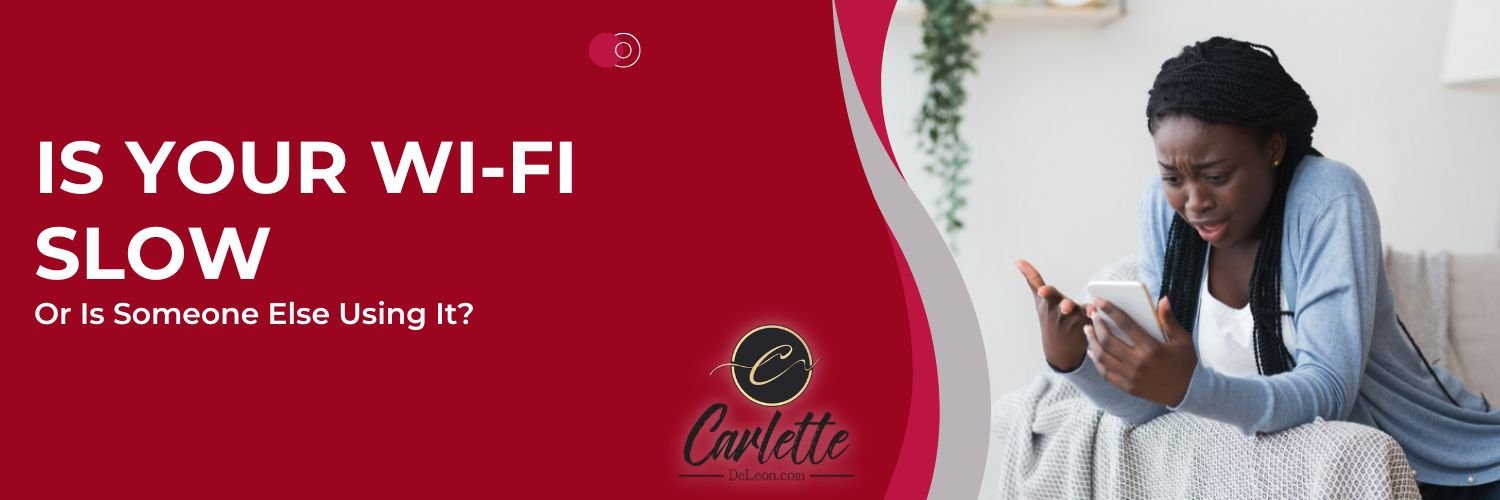
Last Wednesday evening already I was running late for a function when I noticed my phone had gone completely quiet. No calls coming in. No data. I could not send a message or browse a page. I tried to call my service provider's customer service line — the free one — and even that would not connect.
My bill was paid. My eSIM was showing as active. And yet my phone was effectively a very expensive paperweight.
My mind went immediately to a SIM swap attack.
I will be honest — I felt the panic rising. I was alone, away from home, with no way to reach anyone from my own device. It took about thirty minutes before I could get to a friend's phone and call my provider. Thirty minutes in which, had this been an actual attack, a criminal could have been quietly dismantling my digital life.
Thankfully, it was an administrative issue. Resolved within the hour. But that hour changed how I think about phone security — and I want to share what I learned with you.
What Is a SIM Swap Attack?
A SIM swap happens when a criminal contacts your mobile carrier, pretends to be you, and convinces them to transfer your phone number to a SIM card they control. The moment that transfer is complete, every call, every text, and every security code sent to your number goes to them — not you. Your phone goes silent, and theirs lights up with access to your entire digital life.
It sounds elaborate, but it is more common than most people realise. Criminals gather your personal details — your name, date of birth, address — from social media, data breaches, and public records. Armed with that information, they can be surprisingly convincing when they call your carrier claiming to be you.
Once they have your number, the first thing they typically do is trigger "Forgot Password" on your most valuable accounts. Banking. Email. WhatsApp. The reset code arrives by text — straight to them.
A Note on eSIMs
I want to address something directly, because I made this assumption myself. Having an eSIM does not protect you from a SIM swap attack. An eSIM is embedded in your device and cannot be physically stolen — but the vulnerability is not the card itself. It is the carrier's process for verifying your identity. A criminal does not need your physical SIM. They just need to convince your provider that they are you.
That said, here in Jamaica there is currently a meaningful protection in place that is worth knowing. As of now, retail customers cannot have a SIM replaced over the phone. Any SIM replacement — including eSIMs — requires a visit to a store in person. That in-person requirement is a genuine obstacle for anyone trying to impersonate you remotely, and it is a layer of security that works quietly in your favour.
The Warning Signs
The symptoms of a SIM swap attack look exactly like what I experienced — sudden, unexplained loss of service when you are not in a known dead zone. No calls. No texts. No data. If that happens alongside being locked out of accounts you were just using, or receiving password reset notifications you did not request, do not wait to investigate. Treat it as an emergency.
What To Do If It Happens
Speed matters enormously. Every minute counts.
The first call you make — even from a borrowed phone — should be to your mobile carrier. Verify your account, report the issue, and ask them to investigate and freeze any changes. A special thank you here to the Data Doctor, Altonie Thomas, whose advice after my own scare was clear and practical: contact your carrier immediately, verify your account, and once the issue is being handled, go straight to closing or suspending any account that uses your phone number for two-factor authentication. Then change your passwords, starting with your email and your banking apps.
Speaking of which — do you actually know which of your accounts use your phone number for security? Most people do not, because SMS-based two-factor authentication is so common it is often set up without much thought. Here is how to find out. Search your text messages for keywords like "code", "OTP", "verification" or "2FA" — those results will show you which services have been sending security codes to your number. Then log into your most important accounts, go to Settings, then Security, and look for any registered phone number in the two-factor authentication section. Your email account's security dashboard will also show you recent logins — check for anything unfamiliar.
Before Anything Goes Wrong — Protect Yourself Now
Be thoughtful about what personal information you share publicly. Your date of birth, your address, details about your life — these are the building blocks criminals use to impersonate you. Social media is a rich source of exactly this kind of information.
And consider moving your most important accounts away from SMS-based two-factor authentication altogether. SMS codes are convenient, but if someone controls your phone number, those codes go straight to them. Authenticator apps — Google Authenticator and Authy are two widely used options — generate security codes directly on your device, independent of your phone number. A SIM swap cannot intercept them. Start with your email and banking accounts, and work from there. You do not have to change everything at once — just start with what matters most.
The Takeaway
My Wednesday scare turned out to be nothing. But it reminded me sharply that the same silence — a phone that simply stops working — can be the opening move in something far more serious. Knowing what to look for, knowing who to call, and having your accounts set up correctly before anything goes wrong is what turns a potential disaster into an inconvenience.
Take a few minutes this week to check which of your accounts rely on your phone number. And consider making the switch to an authenticator app for the accounts you cannot afford to lose.
Do not wait for your own silent Wednesday to take it seriously.